Legal pages
Show Pony mounts the bundled pages stack (composePagesStack) with a custom
renderLegalLayout that reuses the marketing header/footer (violet theme).
User story: visitor reads the privacy policy
Section titled “User story: visitor reads the privacy policy”A guest lands on Mira’s RSVP page and clicks Privacy in the footer. They need
static legal text on the same apex domain (Impressum, Datenschutz, Terms).
This is not login or tenant data. composePagesStack and seeded
text-content blocks deliver (chapter 13 routes below). It does not
by itself export or delete RSVP rows; see
chapter 14 for operational GDPR.
Before and after
Section titled “Before and after”Before: no /legal/* routes. Compliance copy lives only in the central
template repo, not on the running app.
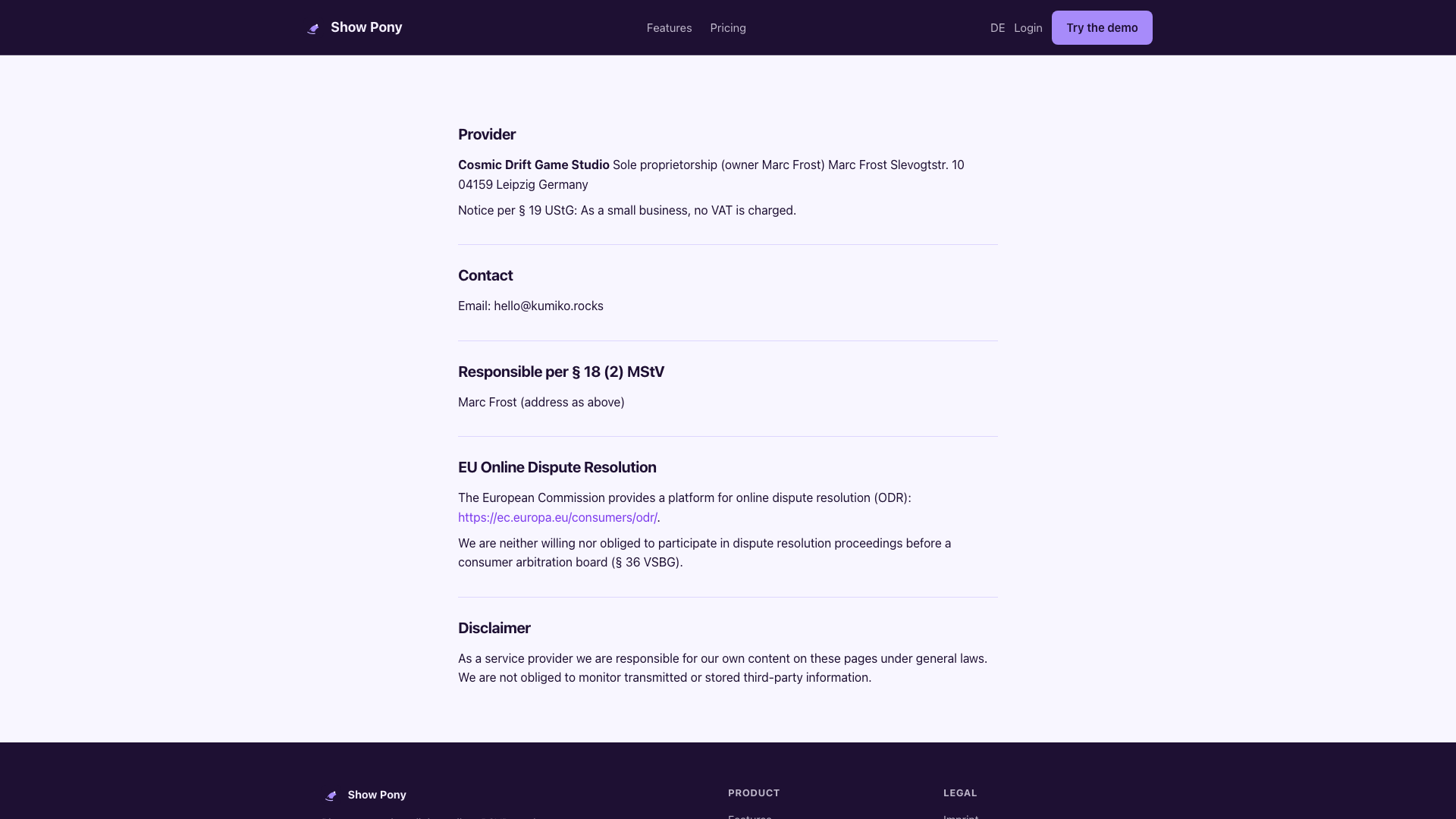
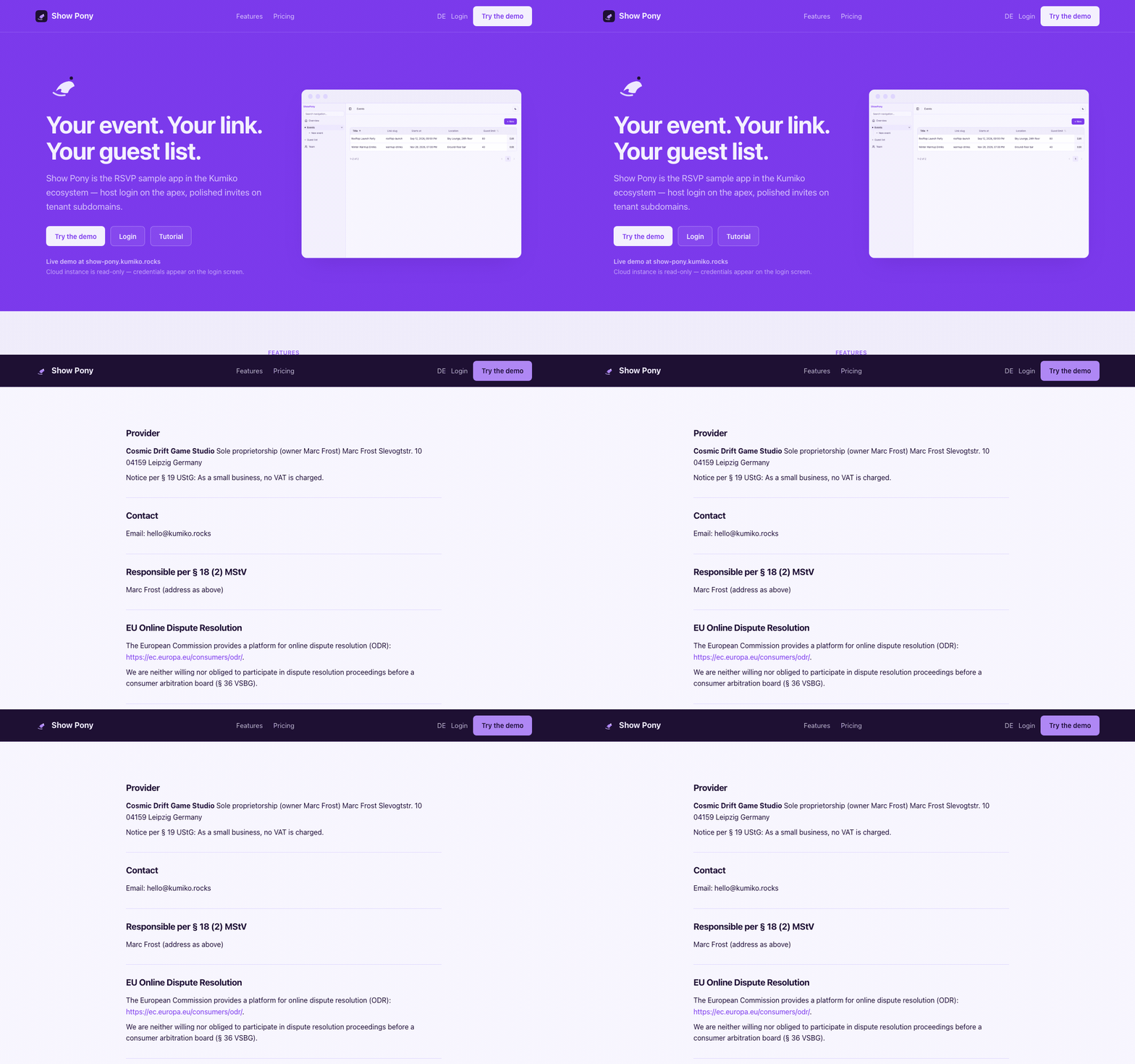
After: five public routes (Impressum, Privacy, Terms × DE/EN) render inside the same apex chrome as the landing.
Routes
Section titled “Routes”| EN | DE |
|---|---|
/legal/imprint | /legal/impressum |
/legal/privacy | /legal/datenschutz |
/legal/terms | /legal/nutzungsbedingungen |
Impressum and privacy come from legal-pages; terms are wired as a fifth route
in wireTermsRoutes (same pattern as Money-Horse).
Content source
Section titled “Content source”Legal copy is compiled from the deployment workspace’s legal template manifest
into src/generated/legal-content.json and seeded at boot via
seedLegalContent.
Regenerate after template changes with the legal-template command provided by your deployment workspace:
bun run legal:syncBoot requirements
Section titled “Boot requirements”composePagesStack({ wrapLayout: renderLegalLayout })inrun-config.tsextraContext.textContentwired inbin/main.ts/bin/server.ts- Legal seed runs before the
legal-pagesboot check
Back to the tutorial index: Show Pony.