Identity layer
Features that together form the foundation for every
multi-tenant app. Auto-loaded in auto mode (auth: {...}), you only
need to know about them when you add custom hooks to user/tenant
or want to replace the login UI.
auth-email-password
Section titled “auth-email-password”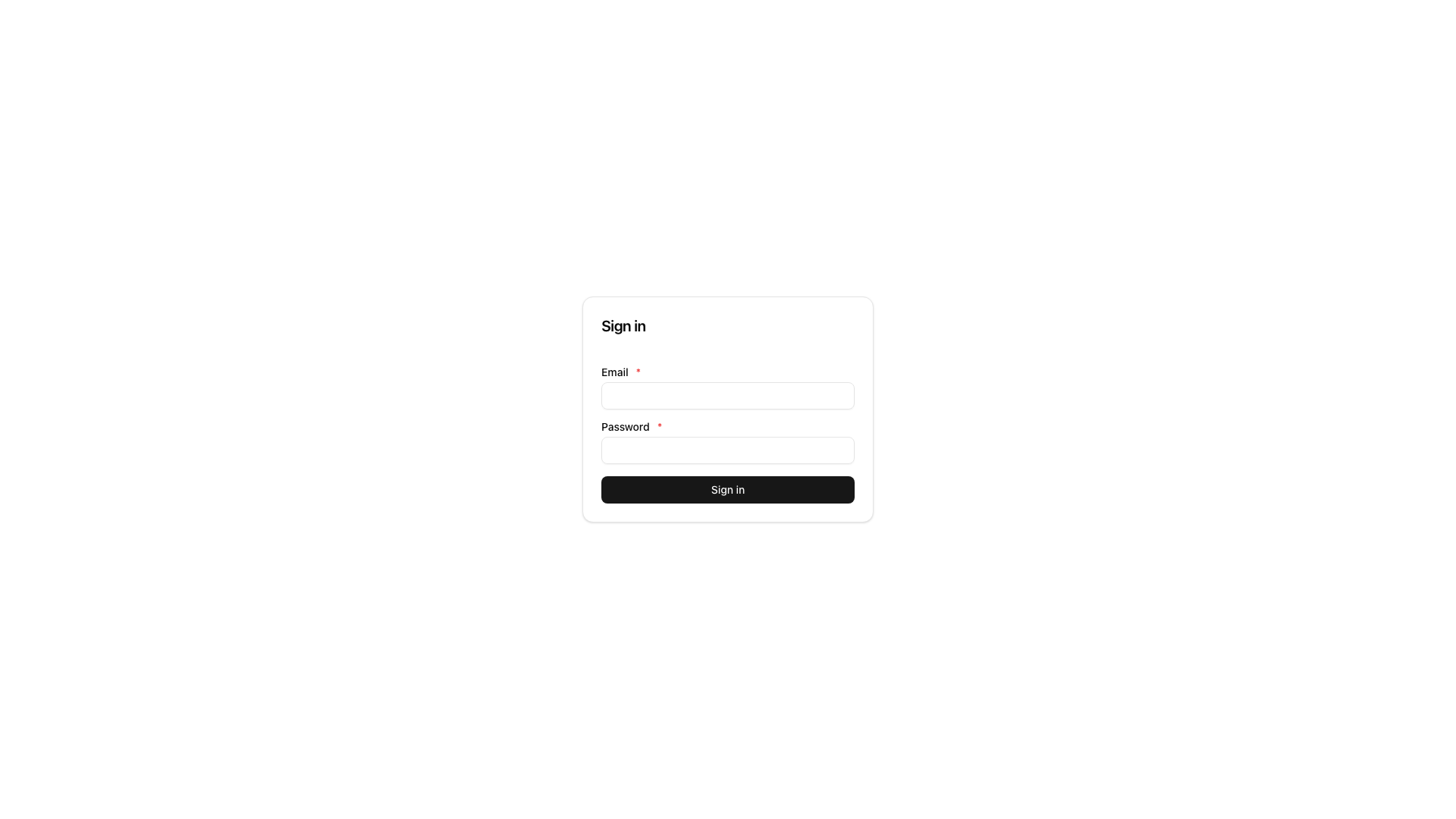
Status: ✅ Stable
What: Classic email + password login with signed JWTs. Ships
login, logout, password hashing (Argon2id), reset / verify / invite
flows. Mount createAuthEmailPasswordFeature() on the server; mount
emailPasswordClient() and render LoginScreen (not LoginForm) from
@cosmicdrift/kumiko-bundled-features/auth-email-password/web.
How it works: On login the server mints a JWT containing
userId + tenantId + roles (and a sid/jti when sessions are wired)
and sets it as an HttpOnly cookie. Auth middleware validates the
signature and exposes ctx.user to handlers. Multi-tenant: users can
belong to several tenants; switching tenants updates the active
tenantId claim.
When not: SSO-only apps (SAML, OIDC), those get their own providers.
Public-only apps without login → leave it out and use anonymousAccess.
Example:
import { runDevApp } from "@cosmicdrift/kumiko-dev-server";import { createAuthEmailPasswordFeature } from "@cosmicdrift/kumiko-bundled-features/auth-email-password";
await runDevApp({  features: [createAuthEmailPasswordFeature(), myFeature],  auth: { jwtSecret: process.env["JWT_SECRET"]! },});
import { emailPasswordClient, LoginScreen, useSession,} from "@cosmicdrift/kumiko-bundled-features/auth-email-password/web";
// client feature listfeatures: [emailPasswordClient()];
function MyApp() { const { user, signOut } = useSession(); if (!user) return <LoginScreen />; return <button onClick={signOut}>Logout {user.email}</button>;}sessions
Section titled “sessions”Status: ✅ Stable
What: Server-side session tracking alongside JWTs. Needed for “log out on all devices”, listing active sessions, and forcing revocation after password change.
How it works: Every login writes a row into store_user_sessions
(keyed by the JWT sid/jti). Middleware checks the row is still live
when a session checker is wired. Revoke stamps revokedAt via write
handlers, there is no ctx.sessions accessor.
| Handler | Purpose |
|---|---|
sessions:write:user-session:revoke | Revoke one of my sessions |
sessions:write:user-session:revoke-all-others | Keep current, kill the rest |
sessions:write:user-session:revoke-all-for-user | Admin / password-change mass revoke |
Options: createSessionsFeature({ expiresInMs?, autoRevokeOnPasswordChange? })
: there is no expiryMs / cacheMs pair. Wire
createSessionCallbacks({ db }) into
buildServer({ auth: { sessionCreator, sessionRevoker, sessionChecker } }).
Recipe: samples/recipes/session-revocation
Example:
import {  createSessionCallbacks,  createSessionsFeature,} from "@cosmicdrift/kumiko-bundled-features/sessions";
const callbacks = createSessionCallbacks({ db });
await runDevApp({  features: [    createSessionsFeature({      expiresInMs: 30 * 24 * 60 * 60 * 1000, // 30 days      autoRevokeOnPasswordChange: callbacks.sessionMassRevoker,    }),    myFeature,  ],});
// Revoke from a handler, dispatch the write, don't call ctx.sessionsawait ctx.dispatch.write("sessions:write:user-session:revoke-all-for-user", { userId });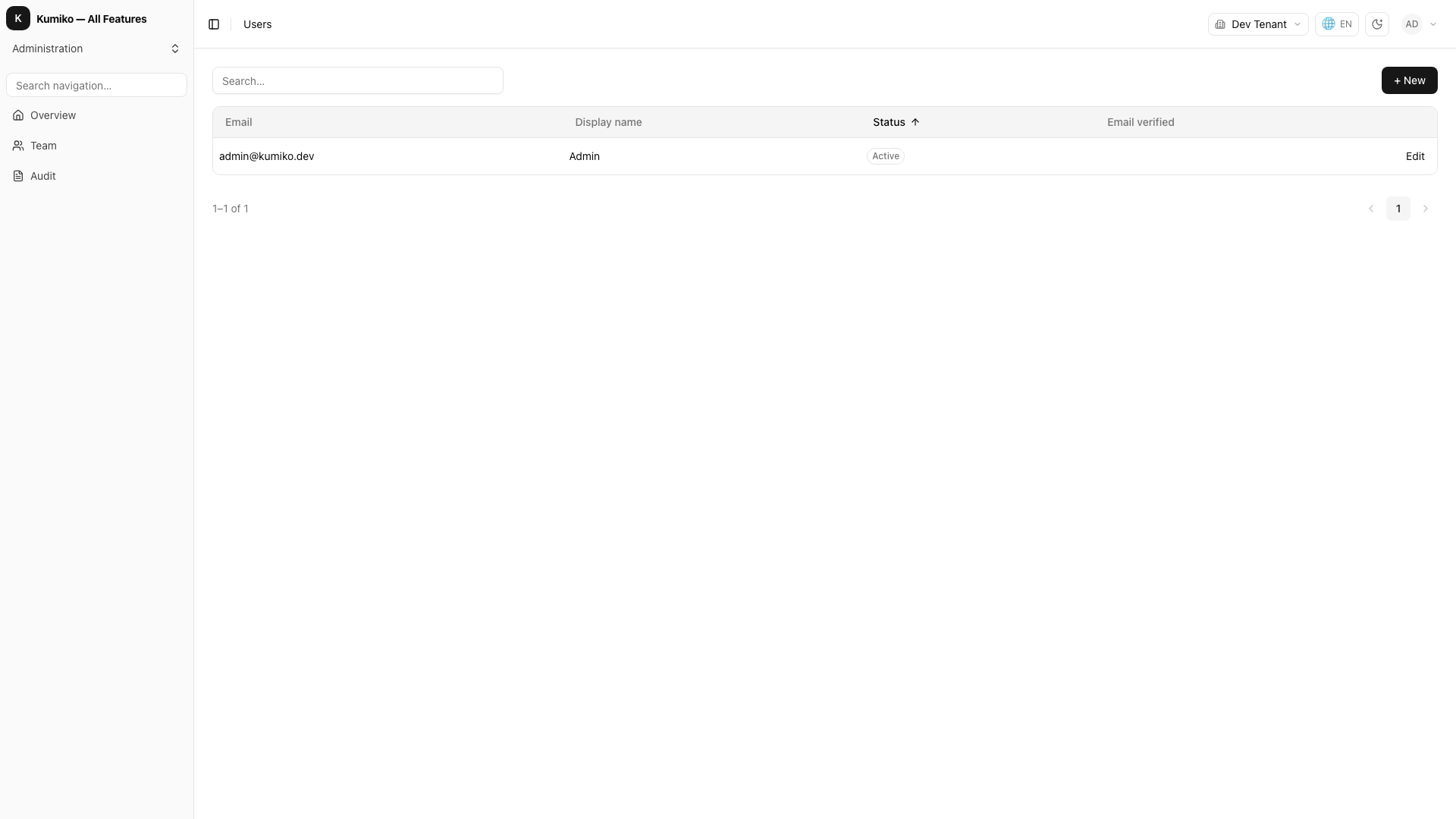
Status: ✅ Stable
What: User entity with email, display name, roles, and standard
CRUD / me queries. Global roles merge with tenant membership roles
when minting the JWT.
When custom hooks: welcome email on create, automatic tenant join :
via r.hook in a feature that r.requires("user").
Example:
import { defineFeature } from "@cosmicdrift/kumiko-framework/engine";
export const welcomeFeature = defineFeature("welcome", (r) => {  r.requires("user");  r.requires("delivery");
  r.hook("postSave", { allOf: "user" }, async (result, ctx) => {    if (!result.isNew || !ctx.notify) return;    await ctx.notify("welcome", {      to: result.id,      data: { email: result.data["email"] },    });  });});
user-profile
Section titled “user-profile”Status: ✅ Stable
What: The self-service account page. A signed-in user changes their password
and email address and requests account deletion. Requires user,
auth-email-password, user-data-rights and user-data-rights-defaults. Place the
screen (id profile) in your logged-in area with r.nav.
Options: createUserProfileFeature({ allowEmailChange }). The default is
true. With false, the feature registers no change-email write handler and the
profile screen shows no email section. Use it when the login email is managed
elsewhere, for example for a shared demo account that visitors must not lock out.
import { createUserProfileFeature } from "@cosmicdrift/kumiko-bundled-features/user-profile";
features: [createUserProfileFeature({ allowEmailChange: false }), /* ... */];
Recipe: user-profile
tenant
Section titled “tenant”Status: ✅ Stable
What: Multi-tenant backbone. Tenant entity, memberships
(user ↔ tenant ↔ roles), tenant switcher. Rows carry tenantId; reads
filter automatically.
How it works: tenantId is injected into tenant-scoped entities at
boot. Without a tenant context, standard reads do not go through, use
anonymousAccess with an explicit tenant resolver for public surfaces.
Example:
await runDevApp({ features: [myFeature], anonymousAccess: { tenantResolver: (req) => { const host = req.headers.get("host") ?? ""; const sub = host.split(".")[0]; return sub === "www" ? null : sub; }, },});config
Section titled “config”Status: ✅ Stable
What: Typed config keys per feature with a cascade: user → tenant →
system → app override → default. Optional encryption / backing: "secrets"
for sensitive values (uses KUMIKO_SECRETS_MASTER_KEY_V1, not a separate
CONFIG_ENCRYPTION_KEY).
How it works: Declare with r.config({ keys: { … } }) using
createTenantConfig / createSystemConfig (see managed-config recipe).
Read in handlers via the callable accessor await ctx.config(handle) :
there is no ctx.config.read / ctx.config.write string API. Operators
change values through the config write handlers / settings UI the keys’
mask metadata populates.
config vs secrets:
settings dialog → config. External provider credential with rotation +
read audit → secrets (or backing: "secrets" on a system config key).
Recipe: samples/recipes/managed-config
Example:
import {  access,  createTenantConfig,  defineFeature,  type ConfigKeyHandle,} from "@cosmicdrift/kumiko-framework/engine";import { z } from "zod";
const primaryColorHandle: ConfigKeyHandle<"text"> = {  name: "branding:config:primary-color",  type: "text",};
export const brandingFeature = defineFeature("branding", (r) => {  r.requires("config");
  r.config({    keys: {      "primary-color": createTenantConfig("text", {        default: "#0066cc",        write: access.roles("Admin"),        read: access.admin,        mask: { title: "branding.primary-color", icon: "palette", order: 1 },      }),    },  });
  r.queryHandler(    "theme",    z.object({}),    async (_query, ctx) => ({      primaryColor: await ctx.config!(primaryColorHandle),    }),    { access: { roles: ["Admin", "User"] } },  );});