Styleguide
Preview
Section titled “Preview”Rendered by this sample’s own Playwright run — theme and viewport are the real matrix, not a mockup.
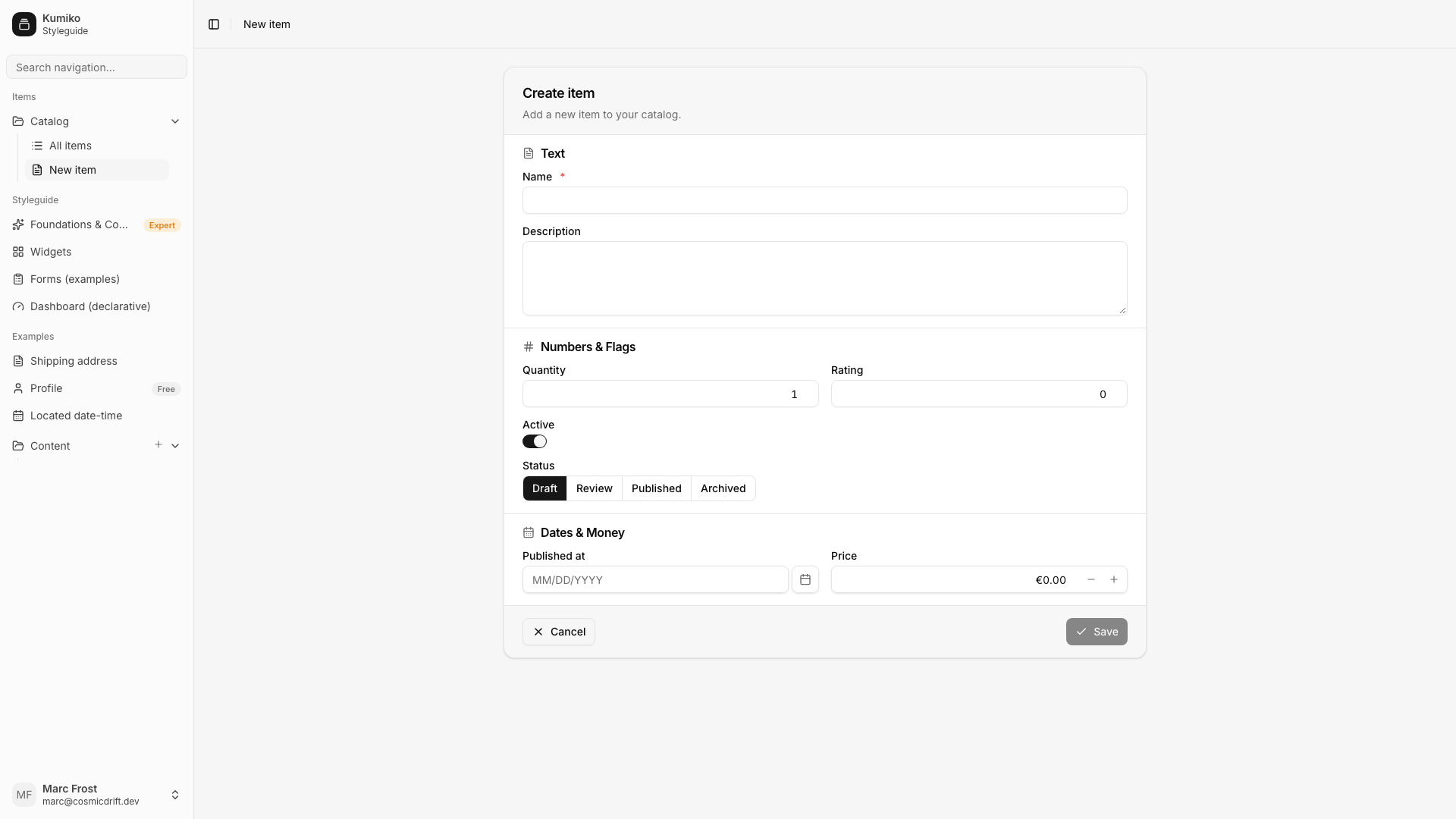
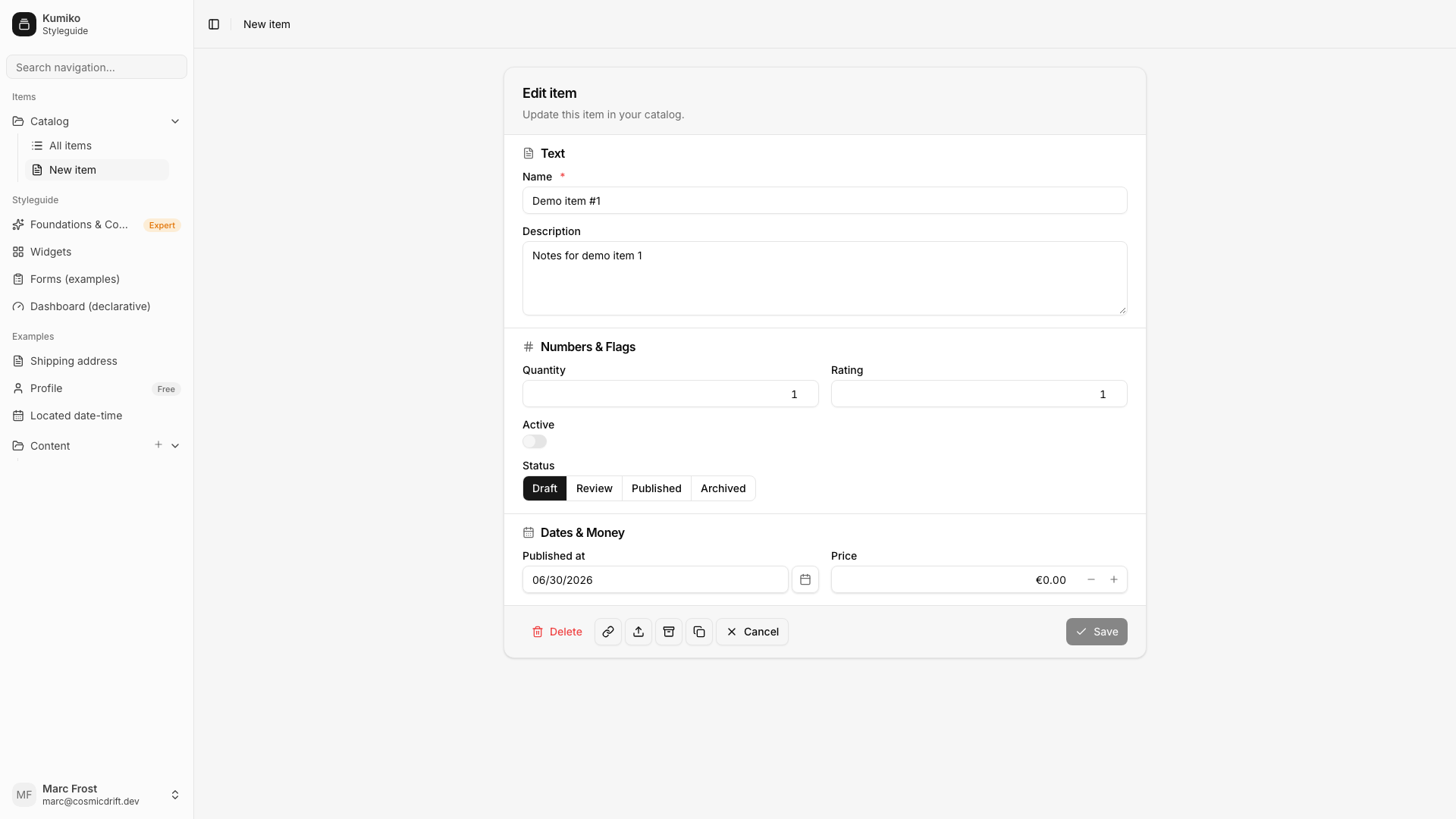
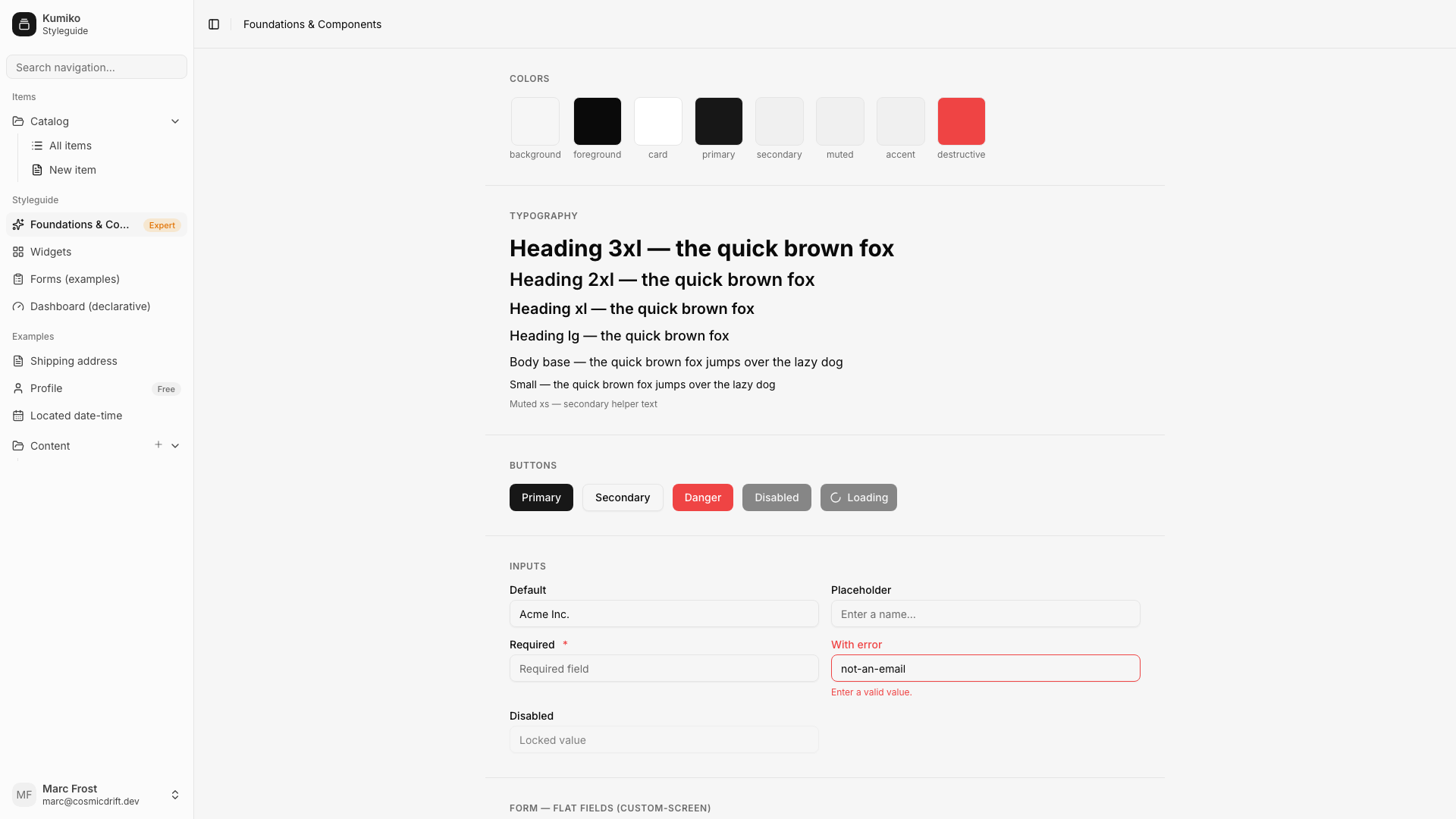
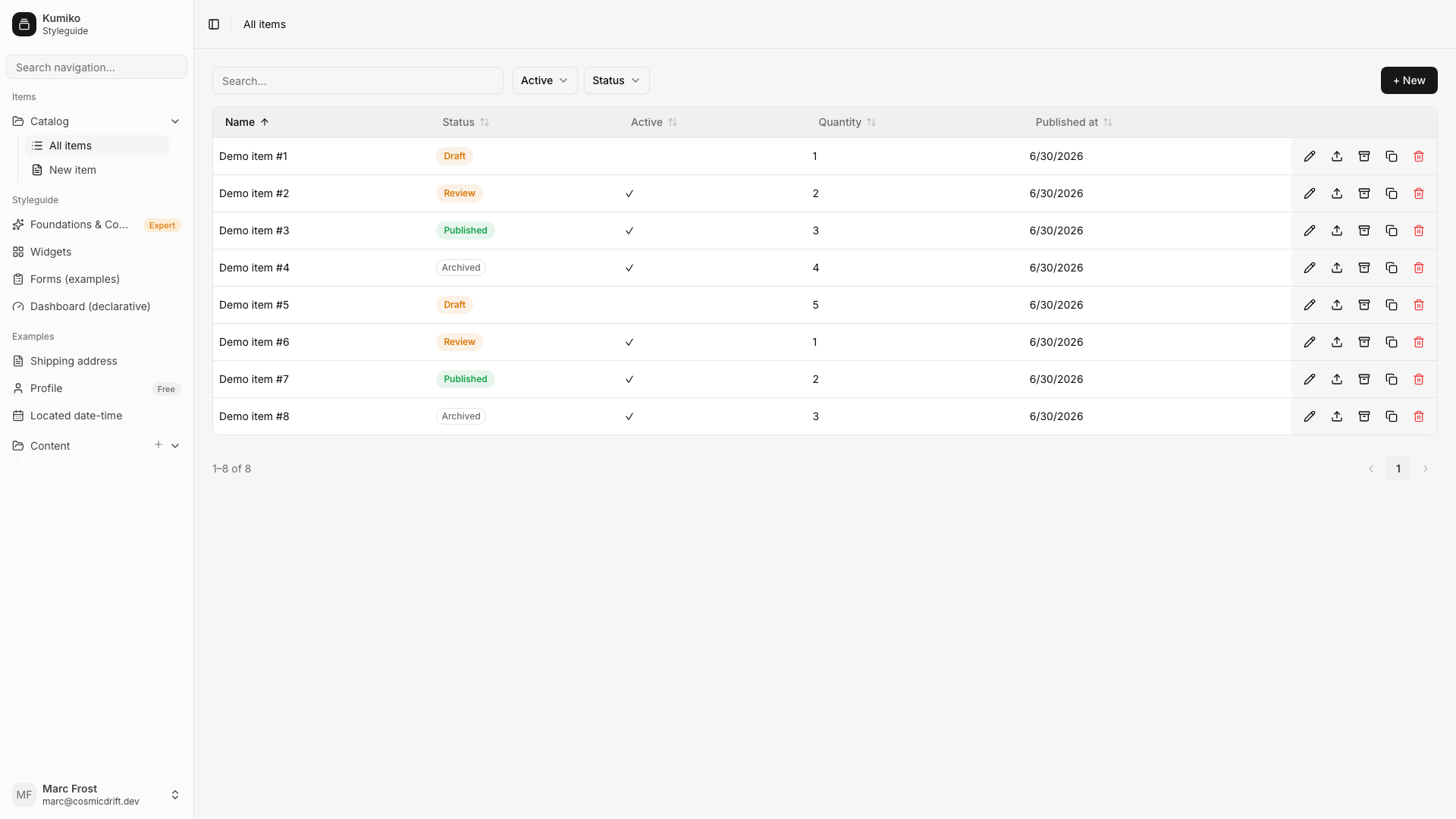
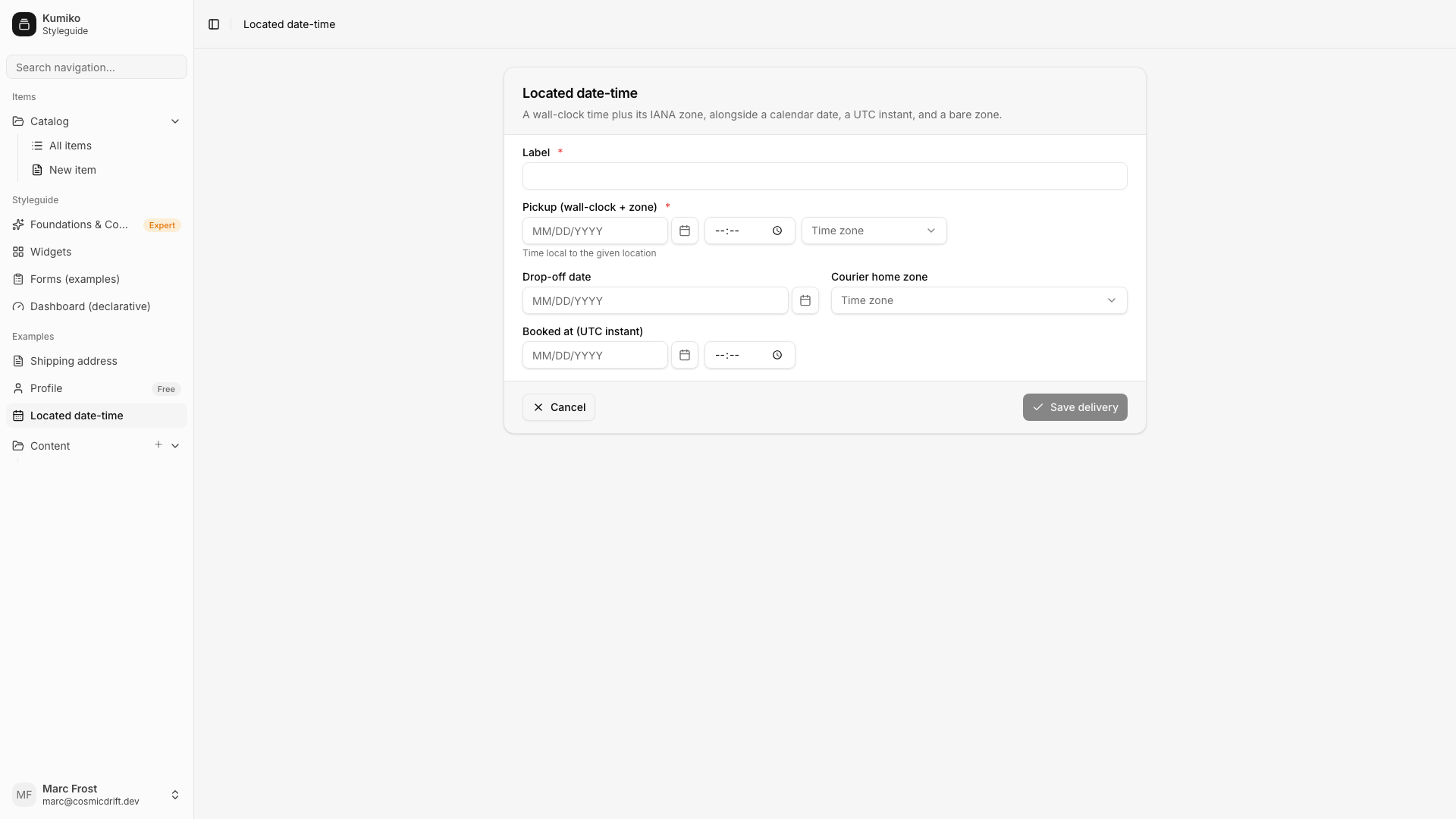
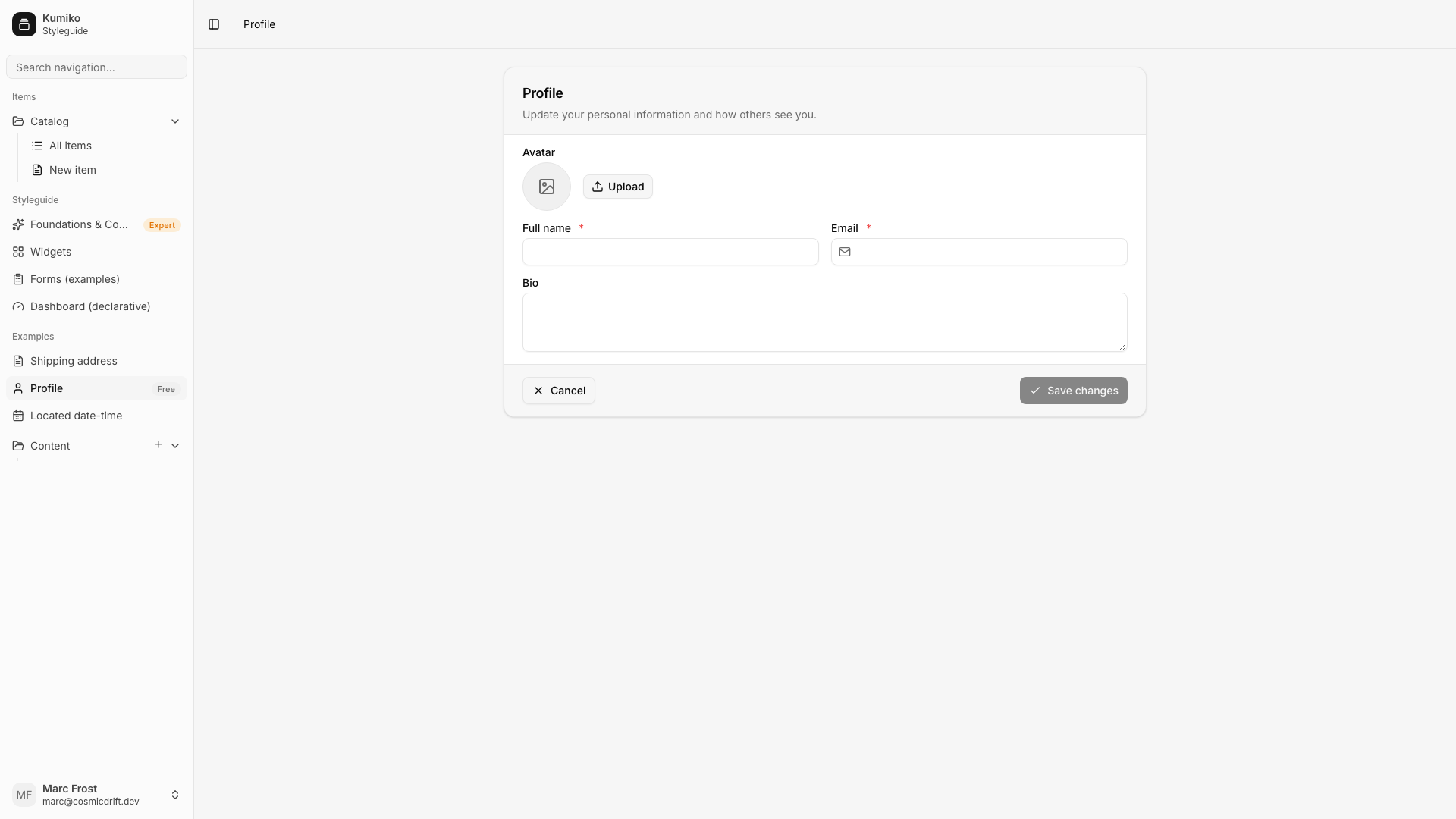
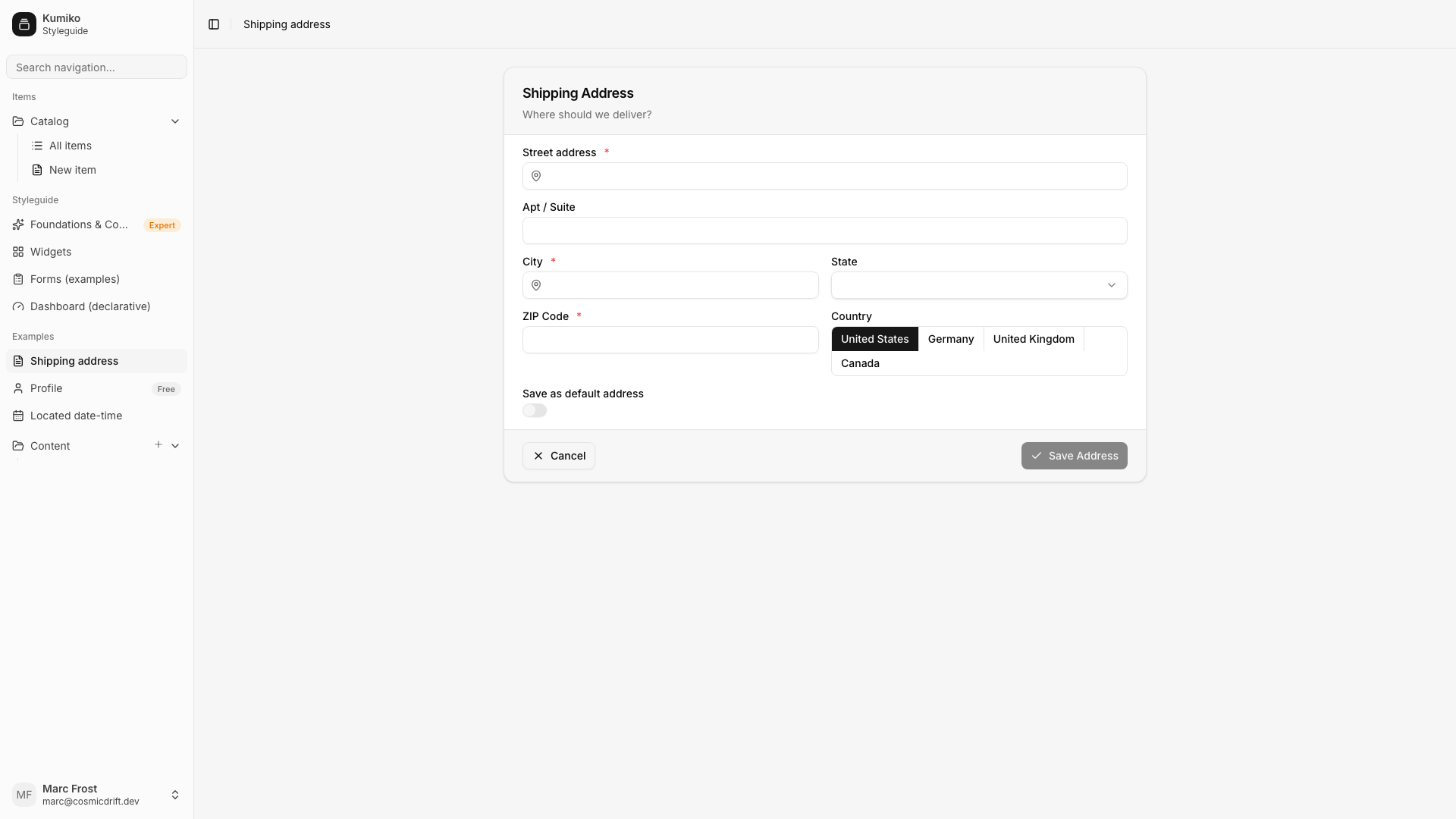
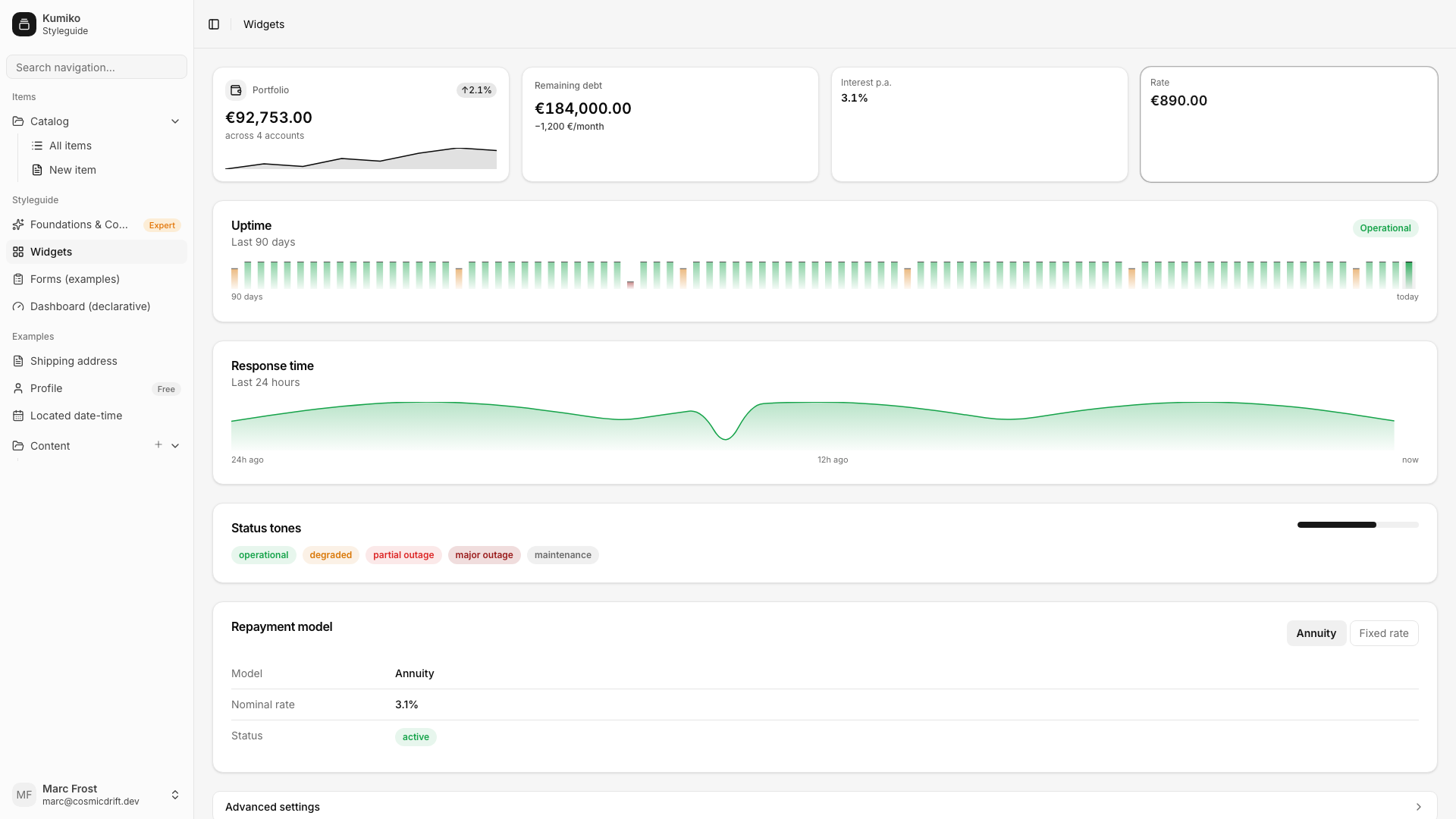
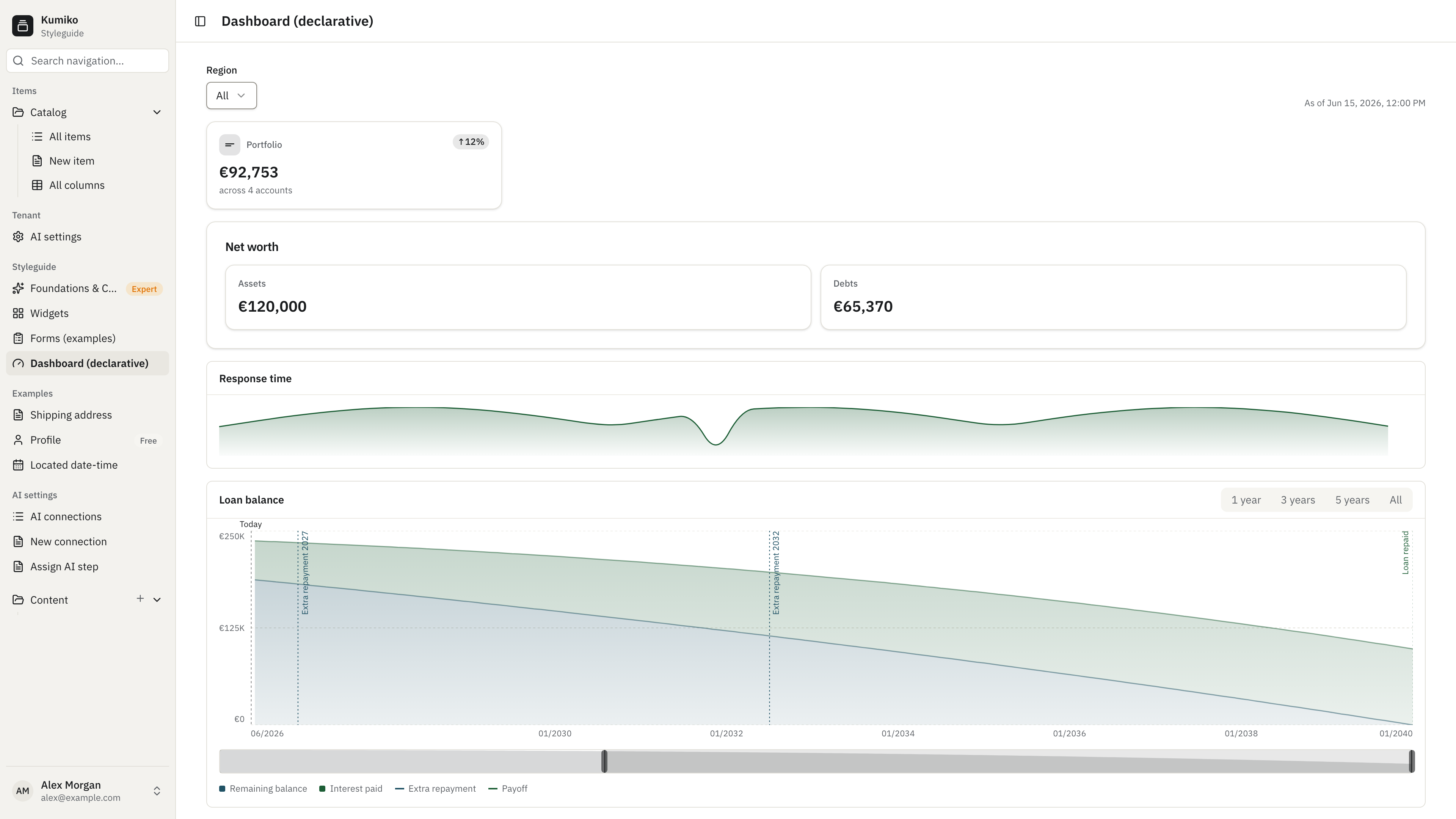
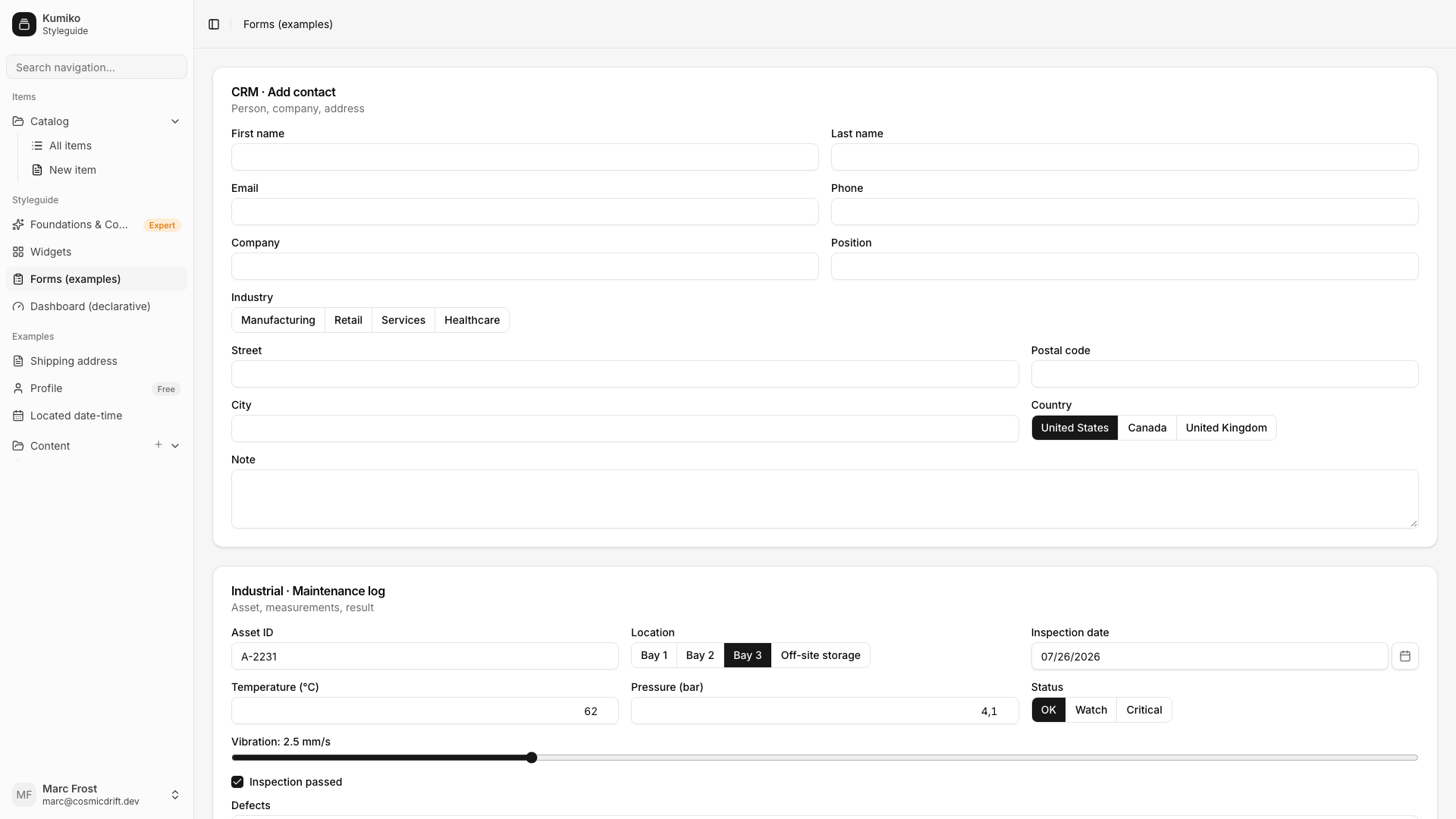
Visueller Katalog der Kumiko-UI-Fläche: Foundations (Farben, Radius, Elevation, Spacing), atomare Primitives (Buttons, Cards, Inputs) und das Mid-Level-Widget-Kit (StatCard, SectionCard, StatusBadge, Charts, ModeSwitch, …). Zugleich die e2e-Renderfläche der Widgets — wer ein Widget ändert, sieht hier sofort, ob es überall noch stimmt.
The UI catalog to open before you design a screen
Section titled “The UI catalog to open before you design a screen”The styleguide is Kumiko’s visual design reference. It shows the pieces an app can reuse, the states they support, and how the same visual language works in a custom screen and in a declarative dashboard.
The catalog covers foundations, primitives, widgets, forms, and complete composition examples. Use it as a design guild: choose an existing primitive or widget before inventing a new one, then compare the custom and declarative implementations. App UI guards enforce the same discipline in app repositories.
The declarative board recreations (list, detail, drawer, form, wizard, mobile) live in samples/apps/ui-walkthrough, see its section “Design-Abnahme #3381”.
Zwei Widget-Seiten zeigen dieselben Bausteine auf beiden Wegen:
/widgets— der Katalog als Custom-Screen: jedes Widget direkt komponiert (StatCard-Raster, Uptime-/Timeseries-Charts, Status-Tones, ModeSwitch + DetailList, CollapsibleSection + EmptyState)./widgets-dashboard— derselbe Inhalt deklarativ alsr.screen({ type: "dashboard" })mit stat/chart/list-Panels aus Demo-Queries: kein JSX, Labels als i18n-Keys, Boot-Validator prüft die Key-Abdeckung.
bun kumiko dev # Postgres + Rediscd samples/apps/styleguide && bun dev# → http://localhost:4180cd samples/apps/styleguide && bunx --bun playwright teste2e/widgets.spec.ts prüft beide Widget-Seiten (Rendern aller Sektionen,
ModeSwitch-Interaktion, Dashboard-Panels aus den Demo-Queries).
Source
Section titled “Source”📄 On GitHub: samples/apps/styleguide