Operator screens
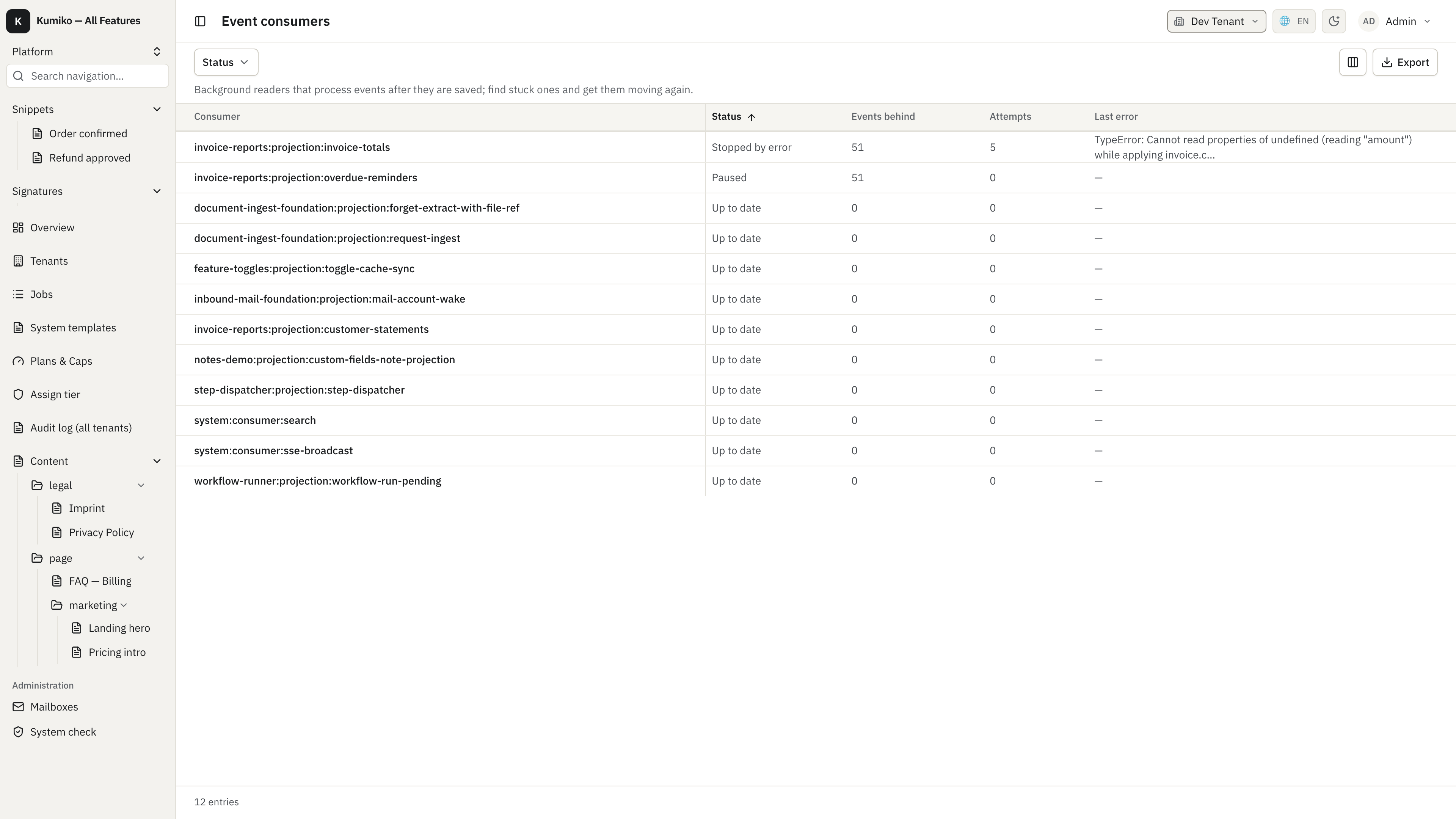
Several bundled features ship screens for the people who run an installation: job runs, event consumers, the audit log, GDPR exports and the workspace overviews. The feature reference pages show one preview per feature; this page shows the screens behind them. The images come from the use-all-bundled sample, whose seed leaves one consumer stopped by an error and one paused so the screens have something to show.
Overview pages
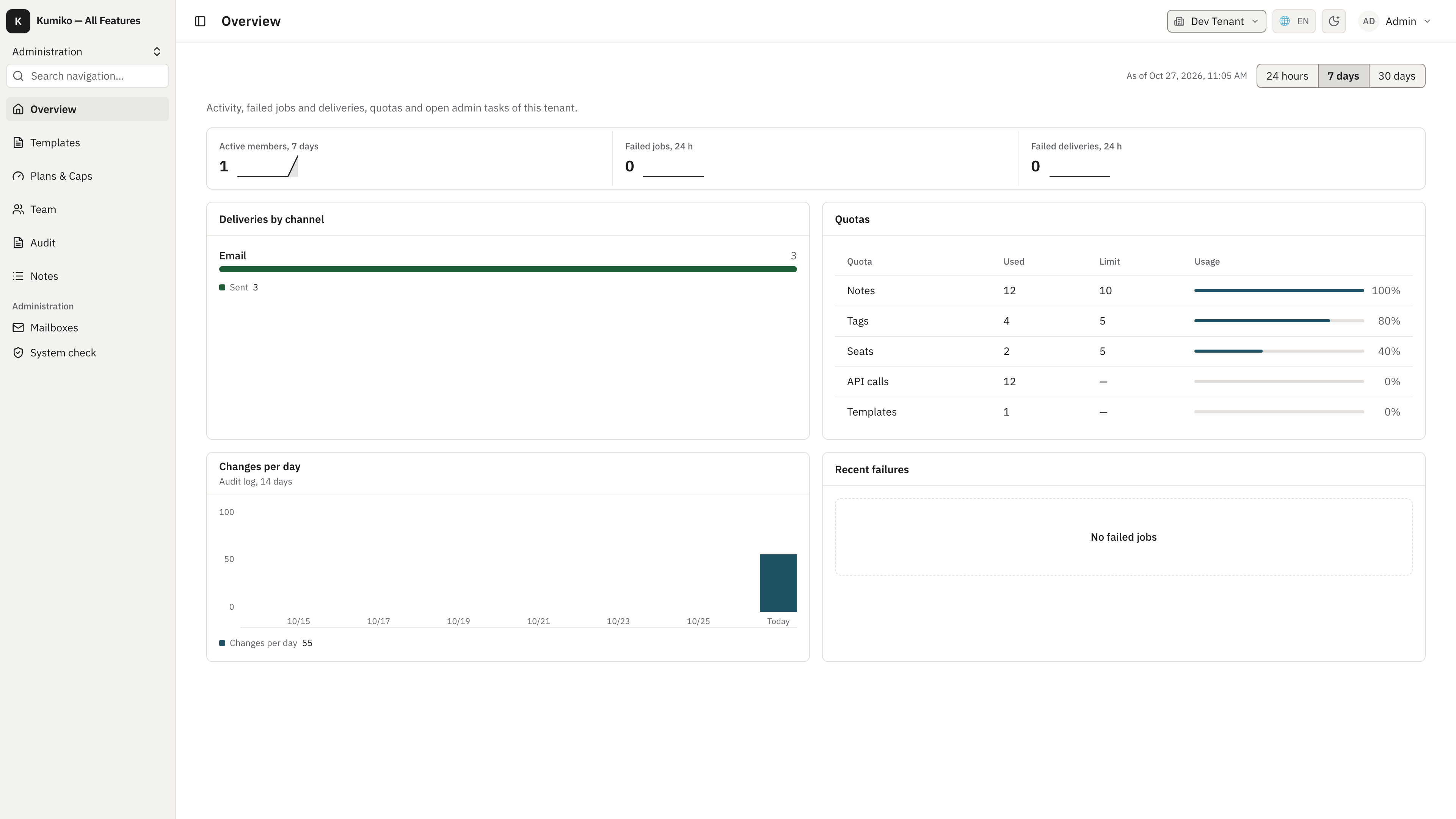
Section titled “Overview pages”admin-shell gives each workspace a landing page. The platform overview (SystemAdmin) shows tenants, active users, failed jobs and deliveries across the installation; the tenant overview shows the same for one tenant, plus its quotas and the changes per day from the audit log.
Job runs
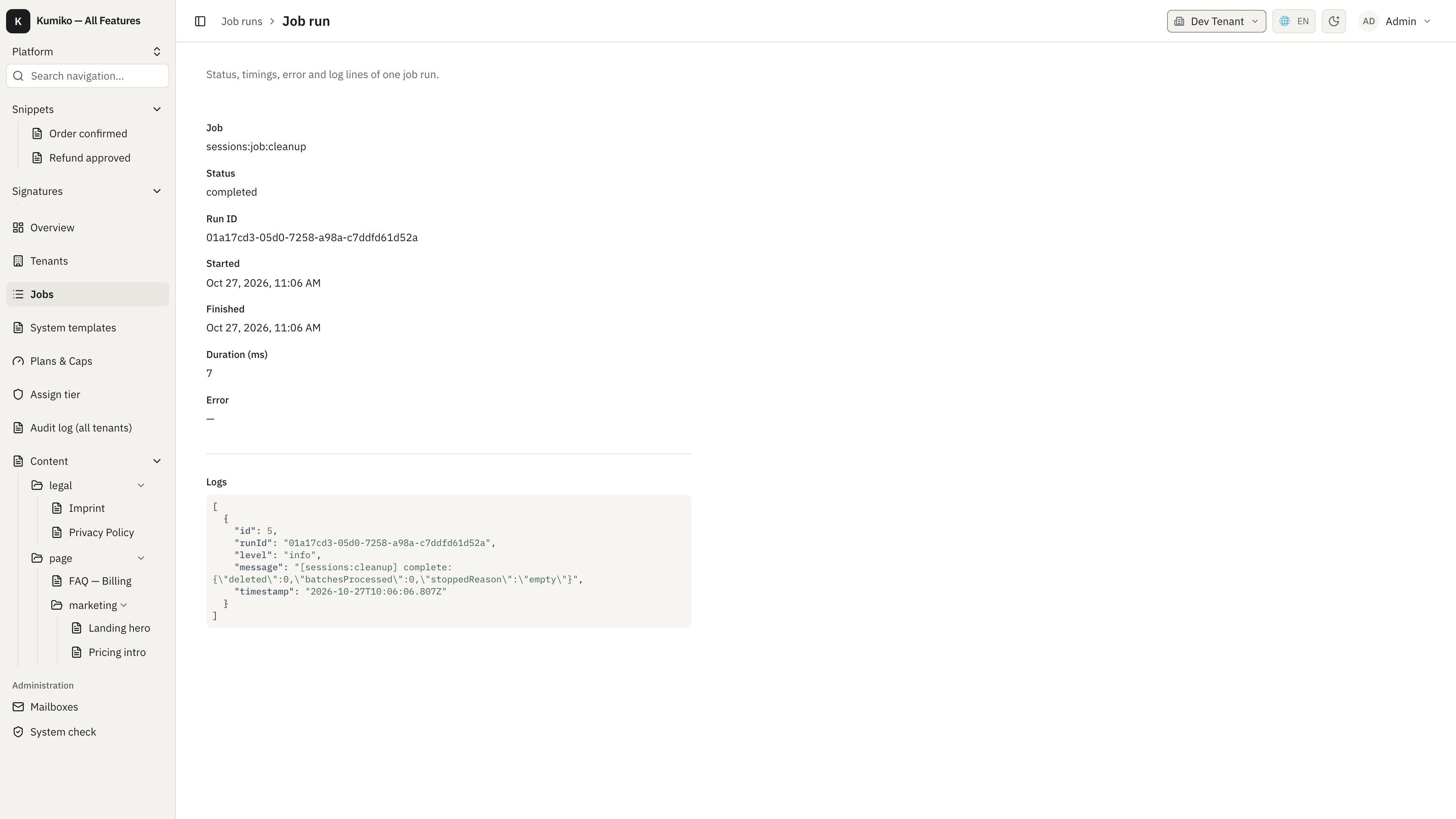
Section titled “Job runs”jobs lists every run on the platform workspace under Jobs. Run a job starts a job by name with an optional JSON payload. A click on a run opens its status, timings, error and log lines:
Event consumers
Section titled “Event consumers”Projections and other event consumers read events after they are stored. Event consumers on the platform workspace lists each consumer with its status, how many events it is behind, the attempts and the last error, so a stuck one stands out:
The detail page shows the full error. Restart retries the failing event; the menu next to it skips that one event or pauses the consumer:
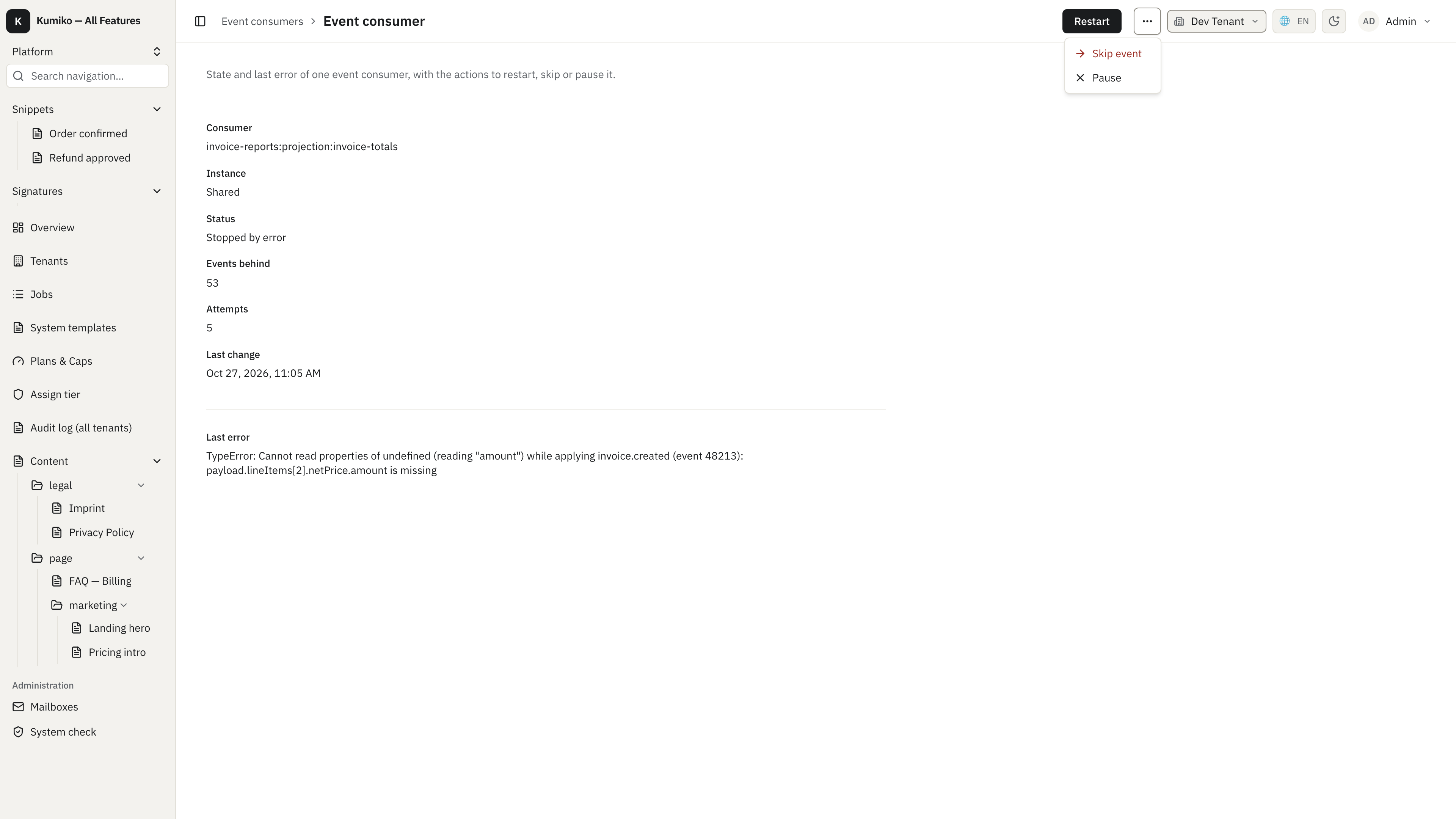
Restart and Skip event show up only while the consumer is stopped by an error, and Skip event asks for confirmation: the skipped event is never applied by this consumer, so fix the cause and restart when you can. A paused consumer offers the action to resume it instead. The same operations exist on the command line as kumiko consumer.
Audit log
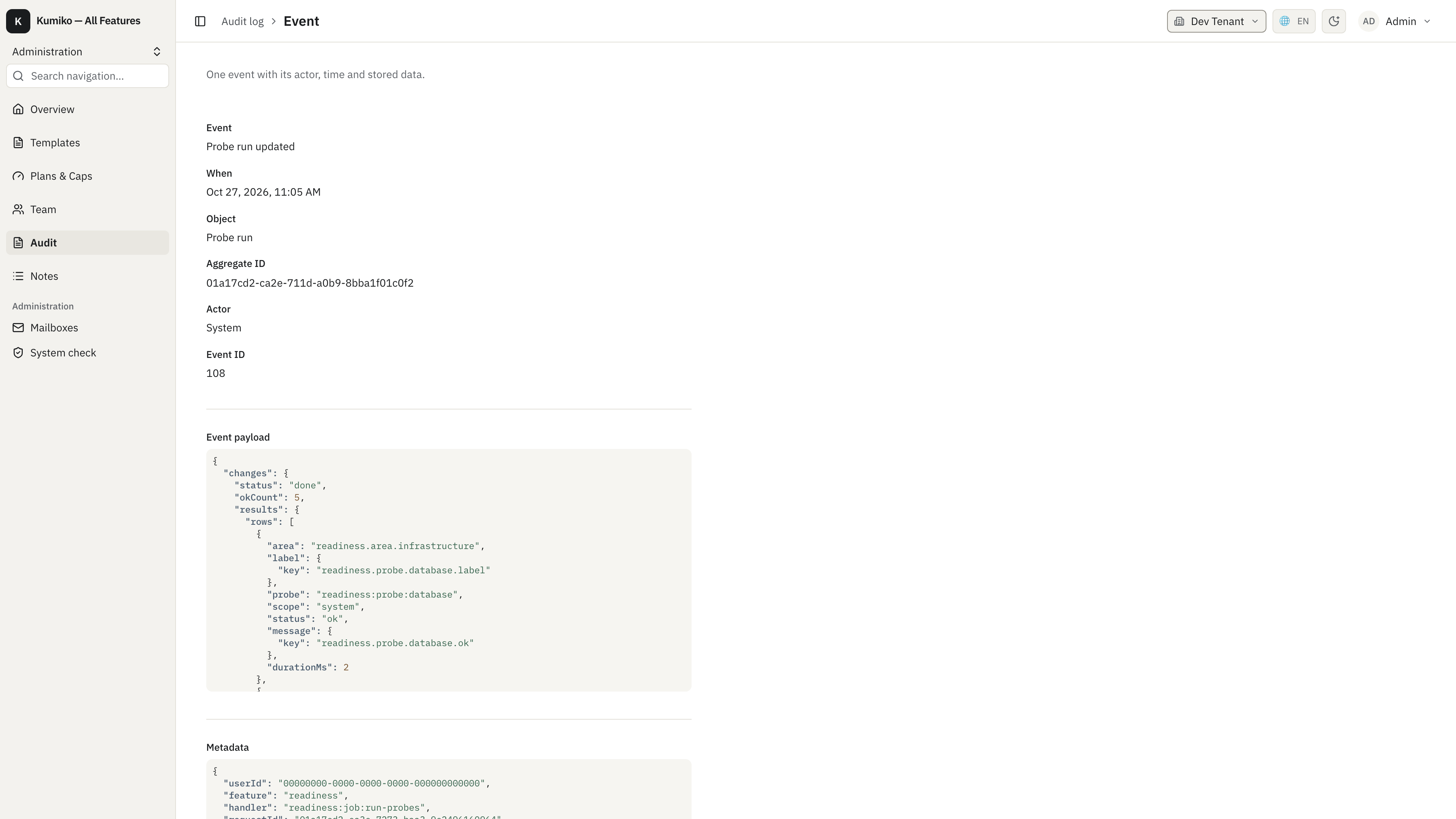
Section titled “Audit log”audit reads the event store as an audit log in the tenant workspace. Each row opens the event with its actor, time, stored payload and metadata:
GDPR exports
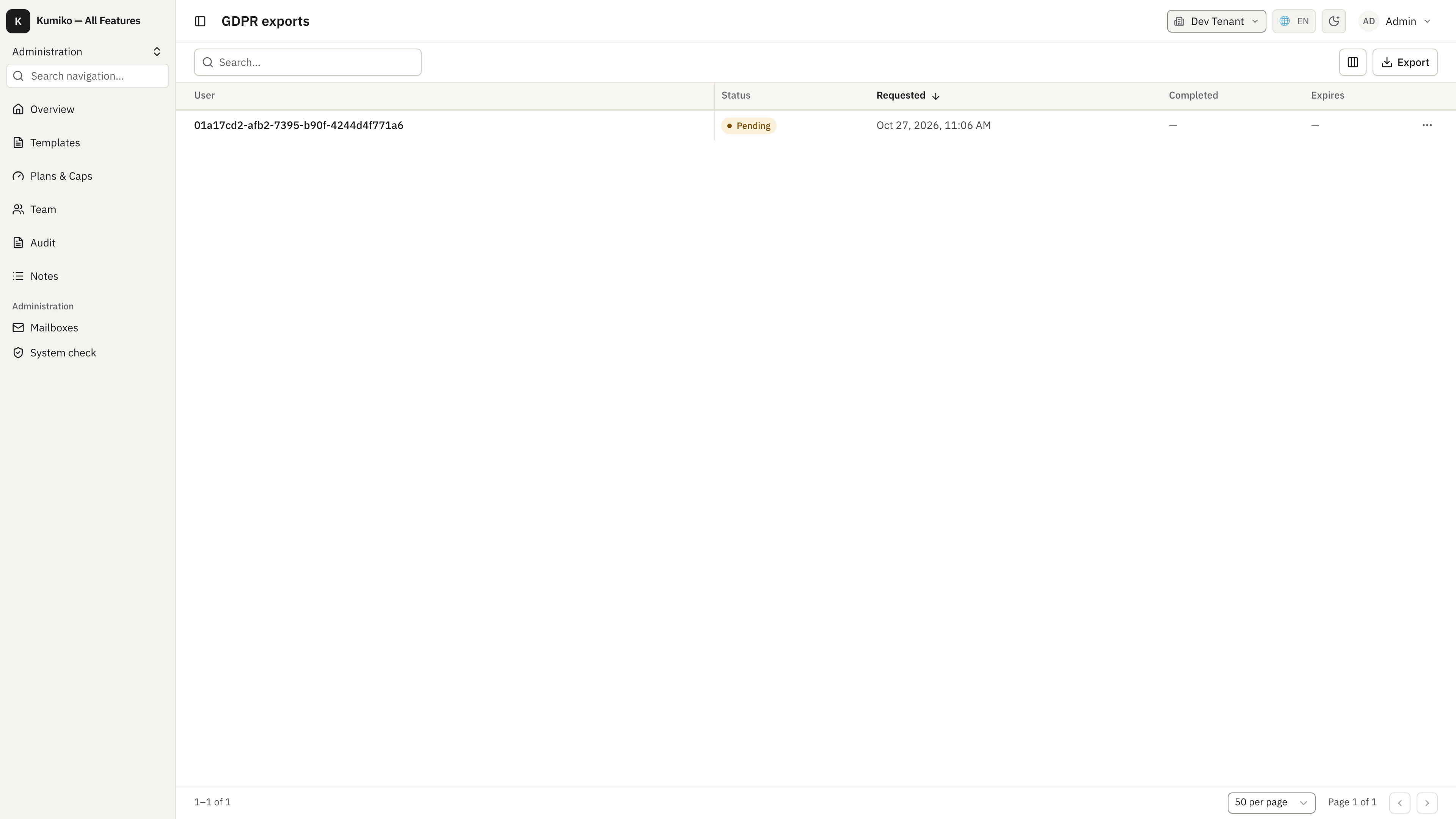
Section titled “GDPR exports”user-data-rights gives users a privacy center to request their data. SystemAdmins see every export request with its status, request time and expiry under GDPR exports: