Install
ShowPony is a standalone Kumiko app with the same shape as production apps:
Bun,
Postgres, Redis, published @cosmicdrift/kumiko-* packages from npm. This
chapter gets a fresh clone running locally.
What you need
Section titled “What you need”- Bun
- Docker (for Postgres + Redis)
Clone and boot
Section titled “Clone and boot”git clone https://github.com/CosmicDriftGameStudio/show-ponycd show-ponycp .env.example .envdocker compose up -d # Postgres + Redisbun installbun devThe defaults in .env.example already match docker-compose.yml. A fresh clone
runs with no edits. *.localhost resolves to 127.0.0.1 in the browser,
so you never touch /etc/hosts.
What lands in the repo
Section titled “What lands in the repo”| File | What it does |
|---|---|
package.json | npm deps + the bun dev script |
tsconfig.json / biome.json | strict TS + lint rules |
.env.example / docker-compose.yml | Postgres + Redis for local dev |
bin/server.ts | dev server: runDevApp + demo host + admin login |
src/run-config.ts | single source of truth for feature composition |
src/features/show-pony/feature.ts | the showpony feature (built up in later chapters) |
src/styles.css | lavender/violet brand (see chapter 2) |
src/public/ | guest invite page (React, chapter 9) |
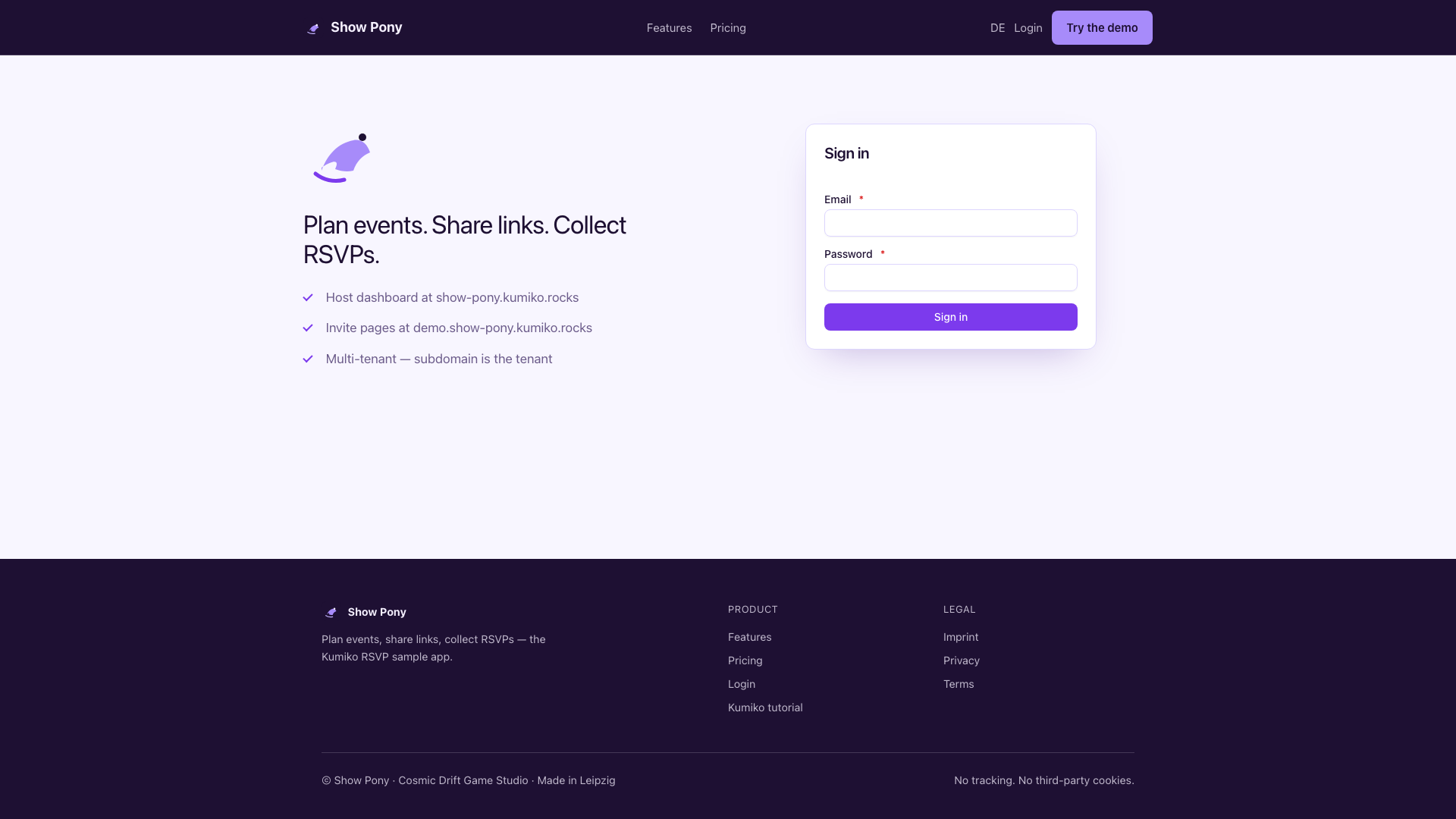
At the end of this chapter the process boots. After chapter 3 you’ll reach the login screen below; seeded events and guests appear once the app is fully wired in chapter 6.
Smoke-check
Section titled “Smoke-check”bun run typecheck # greenbun devOpen http://show-pony.localhost:4180 and log in as admin@show-pony.local / changeme
once foundation auth is mounted. For the platform operator workspace, use
sysadmin@show-pony.local / changeme (chapter 8).
Docker compose
Section titled “Docker compose”Postgres and Redis for local dev:
# Local Postgres + Redis for `bun dev` and `bun run test:integration`.# Ports/credentials match the framework standard from# packages/testing/src/preload/service-env-defaults.ts and ci.yml — high# ports avoid clashing with system Postgres/Redis installs, and a fresh# clone runs against CI's exact DATABASE_URL/TEST_DATABASE_URL with no# per-app overrides. Start with `docker compose up -d`.services:  postgres:    image: postgres:18.4-alpine    environment:      POSTGRES_USER: kumiko      POSTGRES_PASSWORD: kumiko      POSTGRES_DB: kumiko_dev    ports:      - "15432:5432"    volumes:      - showpony-pg-kumiko:/var/lib/postgresql      # Runs only on a fresh (empty) volume — see docker-compose down -v to recreate.      - ./docker/postgres-init:/docker-entrypoint-initdb.d:ro    healthcheck:      test: ["CMD-SHELL", "pg_isready -U kumiko -d kumiko_dev"]      interval: 3s      timeout: 3s      retries: 10  redis:    image: redis:8-alpine    ports:      - "16379:6379"  meilisearch:    image: getmeili/meilisearch:v1.12    environment:      MEILI_MASTER_KEY: kumiko-dev-key      MEILI_ENV: development    ports:      - "17700:7700"    volumes:      - showpony-meili:/meili_data    healthcheck:      test: ["CMD", "wget", "-q", "--spider", "http://127.0.0.1:7700/health"]      interval: 5s      timeout: 3s      retries: 10
volumes:  showpony-pg-kumiko:  showpony-meili:
📄 On GitHub: docker-compose.yml