auth-email-password
Provides email+password authentication: the always-on handlers are login, changePassword, and logout; optional flows — password reset, email verification, magic-link self-signup, tenant invite, and account-unlock — are registered only when you pass their respective option objects (passwordReset, emailVerification, signup, invite, accountUnlock) to createAuthEmailPasswordFeature(opts). All five magic-link flows dispatch their mail through the delivery feature via ctx.notify, so mounting any of them additionally requires delivery. Tokens are HMAC-signed (reset/verify/unlock) or opaque-random in Redis (signup/invite). accountUnlock is the self-service escape hatch for accountLockout’s monotonic failure-counter (#1266): confirming the mailed token clears the Redis lockout state without touching the user entity. Requires the user and tenant features, and declares JWT_SECRET (≥ 32 chars) in authEmailPasswordEnvSchema so a missing secret surfaces at boot validation rather than on the first login attempt.
Quick example
Section titled “Quick example”From recipes-apex-surface-auth — the smallest working mount:
// apex-surface-auth Recipe — der evidente Weg für öffentlichen Apex-Content.//// Eine Kumiko-App hat eine öffentliche Apex-Präsenz (Landing/Login) UND eine// schema-getriebene Admin-UI. Die Admin-UI mountet via createKumikoApp (volles// Schema). Die Apex mountet via createPublicSurface — schema-LOS, anonym// erreichbar, kein Admin-Nav/Topologie-Leak. Beide teilen Locale + Primitives.//// Dieses Recipe zeigt://   1. Server: die Feature-Komposition für die 4 Account-Flows + den anonymen,//      email-verifizierten Deletion-Flow (Lockout-sicher).//   2. Client (Kommentar unten + README): wie createPublicSurface + AuthShell//      die Screens in der Apex-Chrome mounten.//// CLIENT-WIRING (apex.tsx der App — renderer-web, hier nur als Referenz, da// Recipes keine Browser-Deps ziehen):////   import {//     ForgotPasswordScreen, SignupScreen, createLoginRoute,//     AuthShellProvider, emailPasswordClient,//   } from "@cosmicdrift/kumiko-bundled-features/auth-email-password/web";//   import {//     RequestAccountDeletionScreen, ConfirmAccountDeletionScreen,//     defaultTranslations as deletionI18n,//   } from "@cosmicdrift/kumiko-bundled-features/user-data-rights/web";//   import { createPublicSurface } from "@cosmicdrift/kumiko-renderer-web";////   // AuthShell: die Auth-Card rendert in der Marketing-Chrome statt//   // Fullscreen. Default (ohne Provider) bleibt der Fullscreen-Wrapper.//   const shell = ({ children }) => (//     <MarketingChrome>//       <AuthShellProvider shell={(card) => <div className="py-12 flex justify-center">{card}</div>}>//         {children}//       </AuthShellProvider>//     </MarketingChrome>//   );////   // createLoginRoute — NICHT LoginScreen direkt rendern: die Route//   // braucht die Challenge-Swap-Logik für einen zweiten Faktor. Ohne die//   // (z.B. raw <LoginScreen />) bleibt ein MFA-enrolter User beim Login//   // hängen, sobald die App irgendwann auth-mfa mountet. Mountet die App//   // auth-mfa, `mfaVerifyScreen: MfaVerifyScreen` (aus//   // "@cosmicdrift/kumiko-bundled-features/auth-mfa/web") ergänzen.//   const LoginRoute = createLoginRoute({ loginScreenProps: { signupHref: "/signup" } });////   createPublicSurface({//     clientFeatures: [emailPasswordClient()],   // bringt SessionProvider + i18n//     shell,//     routes: [//       { path: "/login",            component: <LoginRoute /> },//       { path: "/signup",           component: <SignupScreen loginHref="/login" /> },//       { path: "/forgot-password",  component: <ForgotPasswordScreen loginHref="/login" /> },//       { path: "/delete-account",          component: <RequestAccountDeletionScreen /> },//       { path: "/delete-account/confirm",  component: <ConfirmAccountDeletionScreen /> },//     ],//     fallback: <LoginRoute />,//   });////// SERVER-WIRING: die App aktiviert `anonymousAccess` (defaultTenantId = der// Apex-Host-Tenant), damit /api/write die anonymen Deletion-Handler erreicht:////   runProdApp({ features: composeApexAccountApp({...}),//                anonymousAccess: { defaultTenantId: APEX_TENANT_ID } })
import { createAuthEmailPasswordFeature } from "@cosmicdrift/kumiko-bundled-features/auth-email-password";import { authFoundationFeature } from "@cosmicdrift/kumiko-bundled-features/auth-foundation";import { createComplianceProfilesFeature } from "@cosmicdrift/kumiko-bundled-features/compliance-profiles";import { createConfigFeature } from "@cosmicdrift/kumiko-bundled-features/config";import { createDataRetentionFeature } from "@cosmicdrift/kumiko-bundled-features/data-retention";import { createPersonalAccessTokensFeature } from "@cosmicdrift/kumiko-bundled-features/personal-access-tokens";import { createSessionsFeature } from "@cosmicdrift/kumiko-bundled-features/sessions";import { createTenantFeature } from "@cosmicdrift/kumiko-bundled-features/tenant";import { createUserFeature } from "@cosmicdrift/kumiko-bundled-features/user";import {  createUserDataRightsFeature,  type SendDeletionVerificationEmailFn,} from "@cosmicdrift/kumiko-bundled-features/user-data-rights";import type { FeatureDefinition } from "@cosmicdrift/kumiko-framework/engine";
export type ApexAccountAppOptions = {  /** HMAC-Secret für das Deletion-Verify-Token. */  readonly deletionTokenSecret: string;  /** Apex-Route des Confirm-Screens; der Handler hängt das Token als   *  URL-Fragment an (`#token=`). */  readonly deletionVerifyUrl: string;  /** Versand des Verify-Magic-Links. MUSS non-blocking sein (enqueue) — ein   *  synchroner Send würde ein Timing-Oracle für Account-Enumeration öffnen. */  readonly sendDeletionVerificationEmail: SendDeletionVerificationEmailFn;};
// Volle Feature-Komposition für die öffentlichen Account-Flows. Die// user-data-rights-Options aktivieren den anonymen Deletion-Flow; die übrigen// Features liefern Login/Register/PW (auth-email-password) + die// Require-Kette (user-data-rights → data-retention + compliance-profiles +// sessions).export function composeApexAccountApp(opts: ApexAccountAppOptions): FeatureDefinition[] {  return [    createConfigFeature(),    createUserFeature(),    createTenantFeature(),    createAuthEmailPasswordFeature(),    createDataRetentionFeature(),    createComplianceProfilesFeature(),    authFoundationFeature,    createPersonalAccessTokensFeature({ scopes: {} }),    createSessionsFeature(),    createUserDataRightsFeature({      deletionTokenSecret: opts.deletionTokenSecret,      deletionVerifyUrl: opts.deletionVerifyUrl,      sendDeletionVerificationEmail: opts.sendDeletionVerificationEmail,    }),  ];}
📄 On GitHub: samples/recipes/apex-surface-auth/src/feature.ts
Live preview
Section titled “Live preview”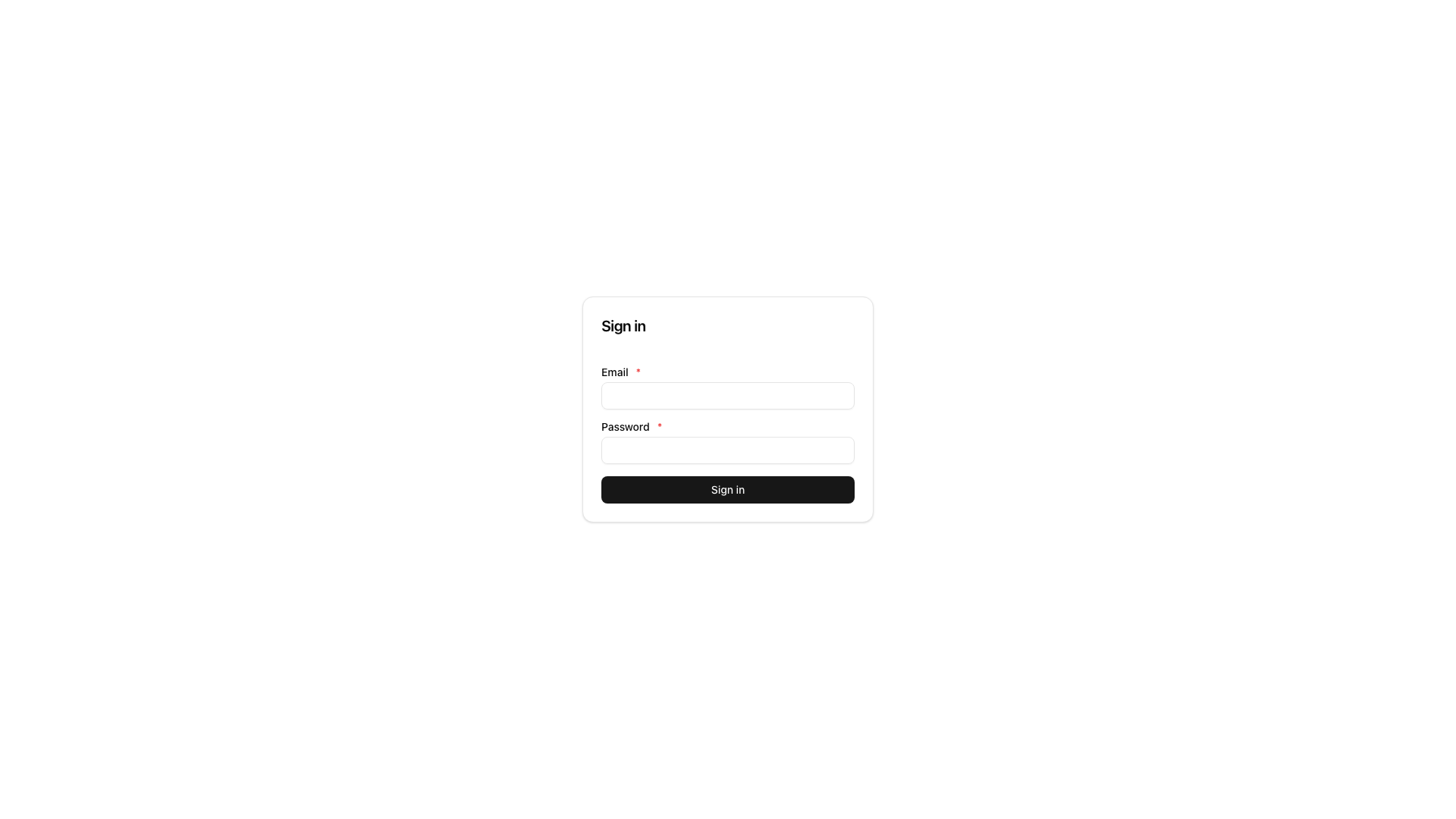
How it fits
Section titled “How it fits”What this feature needs to run (Requires, top) and the write commands this feature provides (Provides, bottom).
flowchart TB
  n_auth_email_password["auth-email-password"]
  subgraph how_reqs["Requires"]
    n_user["user"]
    n_tenant["tenant"]
    n_delivery["delivery"]
  end
  subgraph how_provides["Provides"]
    n_cmd_auth_email_password_write_change_password(["change-password"])
    n_cmd_auth_email_password_write_confirm_account_unlock(["confirm-account-unlock"])
    n_cmd_auth_email_password_write_invite_accept(["invite-accept"])
    n_cmd_auth_email_password_write_invite_accept_with_login(["invite-accept-with-login"])
    n_cmd_auth_email_password_write_invite_create(["invite-create"])
    n_cmd_auth_email_password_write_invite_signup_complete(["invite-signup-complete"])
    n_cmd_more(["+11 more"])
  end
  n_user --> n_auth_email_password
  n_tenant --> n_auth_email_password
  n_delivery --> n_auth_email_password
  n_auth_email_password --> n_cmd_auth_email_password_write_change_password
  n_auth_email_password --> n_cmd_auth_email_password_write_confirm_account_unlock
  n_auth_email_password --> n_cmd_auth_email_password_write_invite_accept
  n_auth_email_password --> n_cmd_auth_email_password_write_invite_accept_with_login
  n_auth_email_password --> n_cmd_auth_email_password_write_invite_create
  n_auth_email_password --> n_cmd_auth_email_password_write_invite_signup_complete
  n_auth_email_password --> n_cmd_more
Provides — write commands this feature registers (dispatch them through the command bus):
auth-email-password:write:change-passwordauth-email-password:write:confirm-account-unlockauth-email-password:write:invite-acceptauth-email-password:write:invite-accept-with-loginauth-email-password:write:invite-createauth-email-password:write:invite-signup-completeauth-email-password:write:loginauth-email-password:write:logoutauth-email-password:write:request-account-unlockauth-email-password:write:request-email-verificationauth-email-password:write:request-password-resetauth-email-password:write:reset-passwordauth-email-password:write:signup-confirmauth-email-password:write:signup-requestauth-email-password:write:switch-tenant-mfa-gateauth-email-password:write:system-invite-createauth-email-password:write:verify-email
Getting started
Section titled “Getting started”Start with recipes-apex-surface-auth for a step-by-step walkthrough with runnable code and integration tests.